Think about the last time you opened YouTube. What caught your eye first? Probably not the video title. It was that bold, eye-catching image that made you stop scrolling. That's the thumbnail—and honestly, it can make or break a video's success. That's exactly why tools like a YouTube Thumbnail Downloader have become essential for creators, marketers, and designers who want to study and learn from what works.
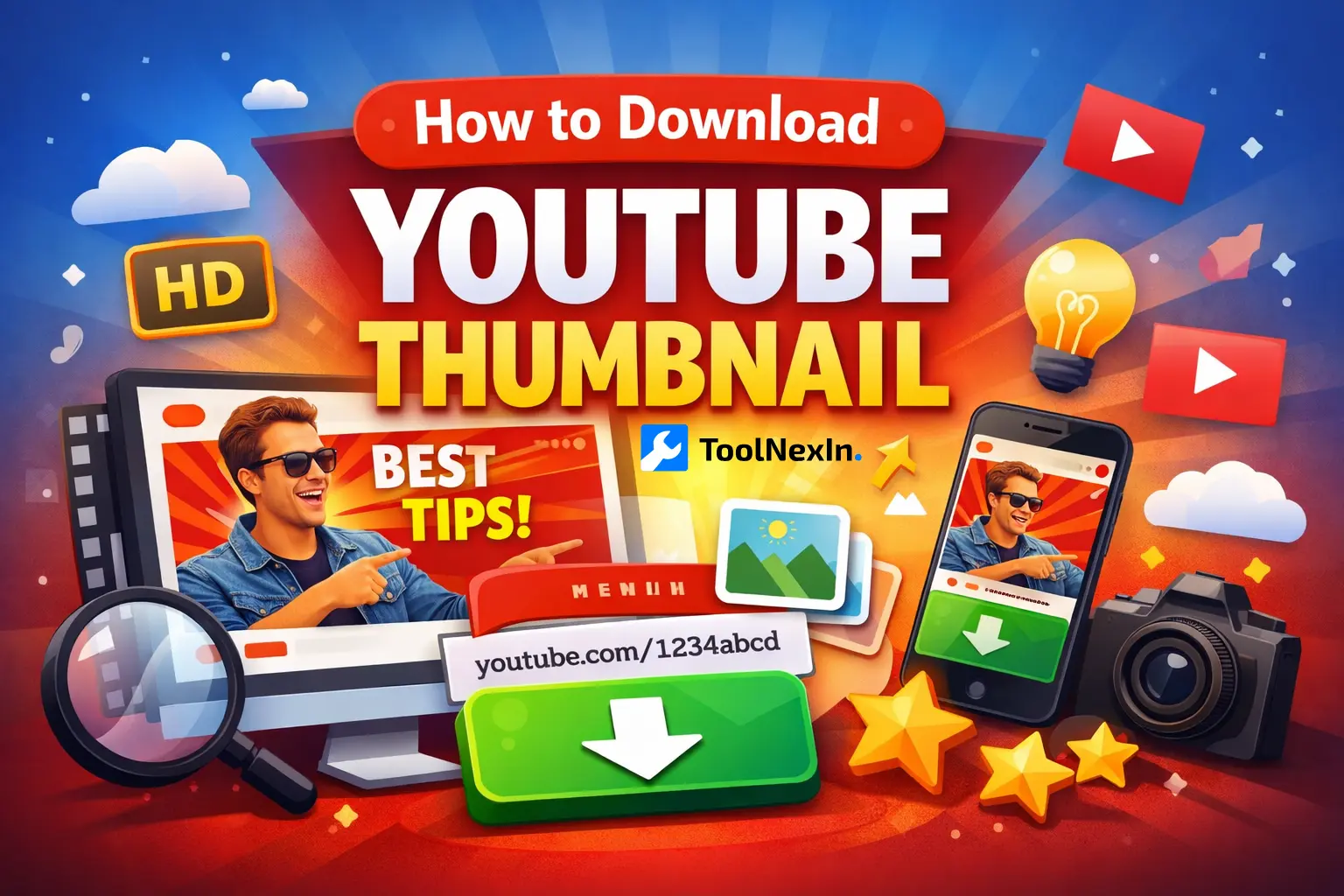
If you've ever needed to save a YouTube thumbnail for any reason—maybe you're studying what works, redesigning one for a client, or just need it for a blog post—you've probably realized YouTube doesn't exactly make it easy. There's no "download thumbnail" button anywhere. That's where a ToolNexIn's YouTube Thumbnail Downloader comes in handy.
What Exactly Is a YouTube Thumbnail Downloader?
Think of it as a simple tool that grabs the thumbnail image from any YouTube video. You just paste in the video link, and boom—you get the thumbnail in different sizes, including the highest quality available. No screenshots, no blurry images, no hassle.
YouTube actually creates several versions of each thumbnail at different resolutions. They're all publicly accessible, but you need a tool to actually download them properly. That's what makes thumbnail downloaders so useful.
Why Thumbnails Matter More Than You Think
Here's something interesting: YouTube is the second largest search engine in the world. People watch over a billion hours of video every single day. And what decides which videos get those views? A huge part of it is the thumbnail.
People judge videos in split seconds. A good thumbnail can mean the difference between 100 views and 100,000 views. I'm not exaggerating. Successful YouTubers will tell you they spend hours designing the perfect thumbnail because they know it directly affects their income.
When someone creates a thumbnail that uses bright colors, clear text, and maybe an expressive face showing emotion, it naturally gets more clicks. YouTube's algorithm notices this. More clicks mean better rankings, which means even more views. It's a cycle that starts with that one image.
Who Actually Needs to Download Thumbnails?
You might be wondering, "Why would I need to download someone else's thumbnail?" Fair question. Here are some real-world situations:
Content creators download competitor thumbnails to see what's working in their niche. If five videos on "how to bake bread" all have 500K+ views, you can bet their thumbnails have something in common.
Graphic designers who work with YouTubers need the original files to edit or improve existing thumbnails. Taking a screenshot just won't give you the quality you need.
Marketers often share YouTube content across social media, blogs, and newsletters. Having the proper thumbnail image makes their content look professional instead of sloppy.
Bloggers and teachers use thumbnails in articles and presentations. If you're writing about YouTube trends or teaching a class on digital marketing, you'll need examples.
The Problem with Other Methods
Before thumbnail downloaders, people tried all sorts of workarounds. None of them were great:
- Taking screenshots (always looks pixelated when you zoom in)
- Right-clicking to save images (only gives you a tiny version)
- Using browser inspection tools (complicated and time-consuming)
- Downloading entire videos just to extract a thumbnail (seriously?)
These methods waste time and give you poor quality results. Why struggle when there's a better way?
How to Download YouTube Thumbnails the Easy Way
Using ToolNexIn's YouTube Thumbnail Downloader is incredibly straightforward. Here's all you do:
- Go to YouTube and find the video you want
- Copy the video URL from your browser
- Head over to the ToolNexIn thumbnail downloader
- Paste the link into the box
- Hit the download button
- Pick which size you want
- Save it to your computer
The whole thing takes maybe 10 seconds. It works on your phone, tablet, or computer. No account needed, no software to install, nothing complicated.
Understanding Thumbnail Sizes
When you download a thumbnail, you'll usually see a few different size options. Here's what they mean:
Maximum Resolution (1280×720) - This is the big one. If you're doing any kind of design work or need the image for professional use, this is what you want. It's crisp, clear, and won't look fuzzy even on large screens.
High Quality (HQ) - Good for most everyday uses. If you're putting it in a blog post or sharing on social media, this works perfectly fine.
Medium and Standard - Smaller file sizes that load faster. Useful if you just need a quick reference or you're working with limited internet bandwidth.
Most of the time, you'll want to grab the maximum resolution. Storage space is cheap these days, and you never know when you might need that extra quality.
Real Stories from Real Users
I've talked to several people who use thumbnail downloaders regularly. A graphic designer named Sarah told me she saves about 2 hours per week by using these tools instead of manually editing screenshots. That's 100+ hours a year.
A marketing agency I know downloads thumbnails for competitive analysis reports. They create presentations showing clients what's working in their industry, and having proper quality images makes them look way more professional.
One teacher uses downloaded thumbnails in his media studies classes to teach students about visual communication and clickbait psychology. He couldn't do his job effectively without access to real examples.
Is This Actually Legal?
Good question. YouTube thumbnails are public images. Anyone can see them. Downloading them for personal use, research, education, or analysis is generally fine.
What you shouldn't do is use someone else's thumbnail to mislead people or pretend you created content you didn't make. That's not just unethical—it can get you in legal trouble. Also, if you're using thumbnails commercially, make sure you're following copyright and fair use guidelines.
Think of it like this: downloading a thumbnail to study design techniques? Totally fine. Downloading a thumbnail to use on your own unrelated video to trick people? Not cool.
Why ToolNexIn's Downloader Stands Out
There are dozens of thumbnail downloaders out there, so why mention ToolNexIn specifically? A few reasons:
It's completely free. No hidden fees, no "upgrade to premium" nonsense. Just a tool that does what it's supposed to do.
No registration required. You don't need to create an account or hand over your email address. Just use it and go.
No watermarks. Some tools slap their logo on your downloaded images. ToolNexIn doesn't.
It's fast and clean. The interface isn't cluttered with ads or confusing options. You paste a link, you get thumbnails. Done.
Your privacy matters. The tool doesn't store your searches or the thumbnails you download. What you do is your business.
How Thumbnails Actually Affect Channel Growth
If you're a content creator, understanding thumbnails isn't optional anymore—it's essential. Here's what the data shows:
Videos with custom thumbnails get significantly more views than videos with auto-generated thumbnails. YouTube can automatically pull a random frame from your video, but those almost never perform well.
Faces showing emotion work. Studies show that thumbnails with close-up faces expressing surprise, happiness, or curiosity get more clicks.
Text matters, but don't overdo it. Three to five words in large, bold letters work best. More than that and it becomes unreadable on mobile devices.
Bright colors stand out. When someone is scrolling through a feed of videos, your thumbnail needs to pop. Muted, dark thumbnails often get ignored.
Consistency builds recognition. When people see your thumbnail style repeatedly, they start to recognize your brand. That recognition leads to more clicks over time.
Common Questions People Ask
Can I download thumbnails from private or unlisted videos? No, only public videos work. If you can't watch it without special access, you can't download its thumbnail either.
What if the video is really old? Older videos might only have lower resolution thumbnails available. YouTube's thumbnail system has improved over the years, so newer videos generally have better quality options.
Does this work for YouTube Shorts? Yes, Shorts have thumbnails too, and you can download them the same way.
Can I batch download multiple thumbnails at once? Most basic tools (including ToolNexIn) work one video at a time. If you need to download hundreds of thumbnails, you might need a more advanced solution or script.
Will YouTube know I downloaded a thumbnail? No. Downloading a thumbnail is just like viewing an image on any website. It's a normal internet activity that leaves no special trace.
Tips for Using Downloaded Thumbnails
If you're downloading thumbnails to improve your own content, here are some smart ways to use them:
Create a swipe file. Save thumbnails from high-performing videos in your niche. Look for patterns in color choices, text placement, and image composition.
Do A/B testing inspiration. See two different thumbnail styles? Test similar variations on your own videos to see what your audience prefers.
Study the competition. If a competitor's video is crushing it with views, their thumbnail is probably doing something right. Learn from it.
Keep a collection. Build a folder of effective thumbnails organized by topic. When you need inspiration, you'll have examples ready to reference.
The Bigger Picture
Thumbnails are just one piece of YouTube success, but they're a crucial piece. You can have the best content in the world, but if nobody clicks on your video, it doesn't matter.
A YouTube Thumbnail Downloader might seem like a simple tool—and it is—but it serves an important purpose for anyone working with YouTube content. Whether you're creating videos, designing graphics, marketing products, or teaching classes, having quick access to high-quality thumbnails makes your work easier and more effective.
ToolNexIn's downloader gives you exactly what you need without any unnecessary complications. It's free, fast, and respects your privacy. For something you might use regularly, that combination is hard to beat.
The next time you're working on a YouTube project and need a thumbnail, you'll know exactly what to do. No more screenshots, no more workarounds—just quick, clean downloads of the images you need.
Related Tools on ToolNexIn
If the YouTube Thumbnail Downloader is making your life easier, we've got a few other tools on ToolNexIn that work really well alongside it. A lot of creators, marketers, and designers use these together to save time and get better results.
URL Shortener: After downloading thumbnails and creating content, you'll probably want to share your videos across social media or in emails. Our URL Shortener turns those long, messy YouTube links into clean, professional-looking short links that are way easier to share and track.
Color Palette Generator: Ever see a thumbnail with colors that just work together? This tool helps you pull out those exact color combinations from any image. If you're designing your own thumbnails, keeping your colors consistent makes your channel instantly recognizable—and this tool makes that super simple.
Image to Base64 Converter: This one's a bit technical, but really useful. It converts your thumbnail images into Base64 format, which basically means you can embed them directly into websites or apps without having to upload separate image files. Great for developers or anyone working with web projects.
Base64 to Image Converter: The reverse of the above—turns Base64 code back into actual image files you can see and use. Handy when you're pulling thumbnail data from APIs or databases and need to convert it back to a regular image format.
PNG to ICO Converter: Need to turn a thumbnail or any image into an icon file? This converts PNGs into ICO format, which is what you need for website favicons, browser tabs, or app icons. It's one of those tools you don't need often, but when you do, you're glad it's there.
Using a few of these tools together can seriously speed up your workflow. Instead of jumping between different websites or software, everything you need is right here in one place.