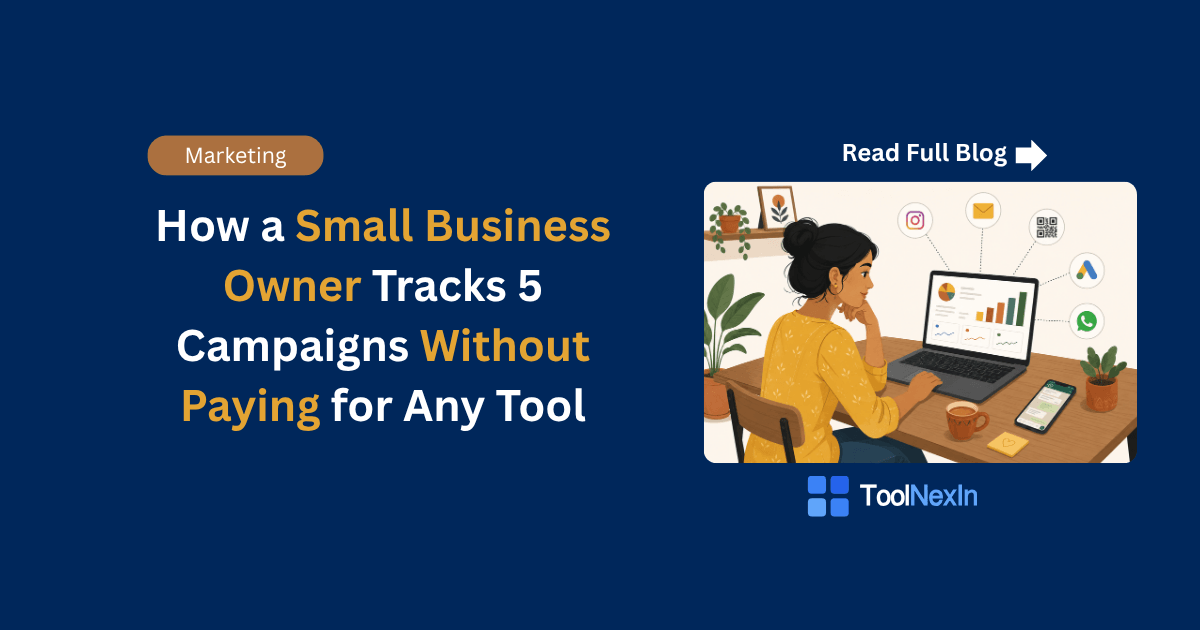
Let me tell you about Priya.
She runs a small clothing boutique in Jaipur. She sells on Instagram, runs WhatsApp promotions, sends emails to her customers, puts up flyers at the local market, and recently started running Google ads.
Five different ways to bring in customers. Five different places where she's spending time and money.
But here's her problem — she had no idea which one was actually working.
Every month she'd look at her website traffic in Google Analytics and think, "okay, people are coming… but from where?" The data just said "direct" or "none" for half her visitors. She didn't know if her Instagram stories were bringing buyers or just window shoppers. She didn't know if the Google ad she paid ₹3,000 for was worth it.
Sound familiar?
This is the reality for most small business owners. You're doing the work. You're putting yourself out there. But you can't see which effort is actually paying off — because you're not tracking properly.
The good news? You don't need to buy any expensive marketing software to fix this. You just need one free tool and 5 minutes of setup.
Let me show you exactly how it works.
What is Campaign Tracking, Really?
Before we get into the "how," let's make sure we're on the same page.
Every time someone clicks a link and lands on your website, Google Analytics records that visit. But unless you tell it where that person came from, it just marks them as "direct" traffic — meaning Google has no idea.
Campaign tracking is just a way of adding a little tag to your links so that Analytics can say: "Ah, this person came from your Instagram story, not your email."
These tags are called UTM parameters. And building them is completely free.
The Tool You Need: UTM Builder
A UTM Builder is a simple tool where you fill in a few boxes and it spits out a trackable link.
You can use the free UTM Builder on ToolNexIn — no signup, no cost, works right in your browser.
Here's what it asks you:
- Website URL — the page you want people to land on
- Campaign Source — where the traffic is coming from (instagram, google, whatsapp, email, flyer)
- Campaign Medium — what type of channel it is (social, cpc, email, print, sms)
- Campaign Name — what campaign this is (summer-sale, diwali-offer, new-arrivals)
That's it. You fill those in, and it builds a trackable link for you.
Let's now see how Priya used this for her 5 campaigns.
Campaign 1: Instagram Stories
Priya posts stories every day showing new arrivals. She adds a link sticker that goes to her website's new arrivals page.
The problem before: She could see traffic coming in but couldn't tell if it was from her stories or from her bio link.
What she did: She went to the UTM Builder and created two separate links:
- One for the story link:
source=instagram,medium=stories,name=new-arrivals-june - One for the bio link:
source=instagram,medium=bio,name=new-arrivals-june
Now in Google Analytics, she can see exactly how many people came from stories vs. her bio. She found out her bio link gets 3x more clicks than her stories. So she stopped stressing about making fancy stories and just made sure her bio always had the right link.
Time to set up: 3 minutes.
Campaign 2: WhatsApp Broadcast
Every Friday, Priya sends a WhatsApp message to her 200+ customer list with a weekend deal link.
The problem before: She had no clue how many people from WhatsApp actually clicked through and bought something. She was guessing it worked because sales would go up on weekends.
What she did: She created a UTM link with source=whatsapp, medium=broadcast, name=weekend-deal.
Now every Friday link goes out with tracking. She can see in Analytics: "87 people clicked from WhatsApp this week. 12 of them bought something." That's real data she can use to decide if the WhatsApp campaign is worth continuing.
Bonus tip: Since WhatsApp links can look long and ugly, she uses the URL Shortener on ToolNexIn to shorten the UTM link before sending it. Clean link, full tracking.
Campaign 3: Email Newsletter
Priya sends a monthly email to customers who've signed up on her website. The email has 3 links — one for featured products, one for a blog post, and one for a sale.
The problem before: She knew people were opening the email, but she couldn't tell which link they were clicking. She'd put effort into writing a blog post only to find no one was reading it.
What she did: She created 3 different UTM links for the same email campaign, each with a different name:
- Featured products:
source=email,medium=newsletter,name=june-featured - Blog post:
source=email,medium=newsletter,name=june-blog - Sale:
source=email,medium=newsletter,name=june-sale
After the first month of doing this, she discovered her "sale" link got 5x more clicks than the blog post. So she restructured her email to lead with the sale section. Open rates stayed the same but her email revenue doubled.
Campaign 4: Google Ads
Priya runs a small Google Search ad with a ₹100/day budget targeting people searching for "Jaipur boutique online."
The problem before: Google Ads dashboard showed impressions and clicks, but she couldn't connect that data with what actually happened on her website — like who added to cart or who bought.
What she did: She created a UTM link with source=google, medium=cpc, name=jaipur-boutique-search.
She replaced the destination URL in her Google Ad with this trackable link. Now Google Analytics shows her exactly what those paid visitors did once they landed on her site. She found out paid visitors were spending an average of 4 minutes on her site — much more than her social visitors. That told her the intent was high and her ad copy was working well.
Important: For Google Ads specifically, you can also use Google's auto-tagging. But if you're a small business owner who doesn't want to deal with connecting accounts, a manual UTM link works perfectly fine.
Campaign 5: Offline Flyer (Yes, Offline!)
Priya puts up printed flyers at two local markets near her store. Each flyer has a QR code that goes to her website.
The problem before: She had no idea if anyone was actually scanning the QR code. She was printing and putting up flyers on faith.
What she did: This is the clever part. She created a UTM link with source=flyer, medium=print, name=market-june. Then she used the free QR Code Generator on ToolNexIn to turn that UTM link into a QR code, downloaded it, and put it on the flyer.
Now when someone scans the QR code, their visit shows up in Analytics under the "flyer / print" campaign. She discovered that one of the two markets was sending 3x more traffic than the other. She stopped printing flyers for the less effective location and saved money.
This is a game-changer for offline marketing. Most small business owners never track offline-to-online traffic. Now Priya does.
What Priya's Dashboard Looks Like Now
After one month of doing this properly, here's what Priya could see in Google Analytics:
| Campaign | Visitors | Avg. Time | Purchases |
|---|---|---|---|
| Instagram Stories | 210 | 1:20 | 4 |
| Instagram Bio | 640 | 2:45 | 18 |
| WhatsApp Broadcast | 380 | 3:10 | 22 |
| Email Newsletter | 290 | 4:00 | 31 |
| Google Ads | 175 | 4:20 | 19 |
| Market Flyer (QR) | 90 | 2:55 | 6 |
With this data, she made three decisions:
- She doubled down on email — highest purchase rate, worth spending more time on.
- She reduced her Google Ads budget slightly and reinvested it in email list growth.
- She stopped doing Instagram stories as frequently because the ROI just wasn't there.
None of this required any paid tool. Just a UTM Builder, a URL Shortener, and a QR Code Generator — all free on ToolNexIn.
Common Mistakes to Avoid
1. Using capital letters in UTM values Write source=instagram not source=Instagram. Google Analytics is case-sensitive. If you use both, they show up as two separate sources and your data gets split.
2. Using spaces in campaign names Write name=summer-sale not name=summer sale. Spaces can break your URL. Use hyphens instead.
3. Using the same UTM link for different placements If you're posting the same link in Instagram stories AND in your bio, make them different UTM links. Otherwise you can't tell which placement is working.
4. Forgetting to use UTM links consistently If you track some posts but not others, your data becomes unreliable. Build the habit of always generating a UTM link before you share anything. It takes 2 minutes.
5. Not checking the data This sounds obvious but it happens. Set a reminder every Monday to spend 10 minutes in Google Analytics looking at your campaign traffic from last week. The insights only help you if you actually read them.
Frequently Asked Questions
Do I need to be technical to use UTM parameters?
Not at all. If you can fill in a form and copy-paste a link, you can do this. The UTM Builder on ToolNexIn does all the technical work for you.
Will UTM links affect my SEO?
No. UTM parameters are stripped by Google Search before indexing. They're only used by Analytics to track traffic, not by Google's ranking algorithm.
Does the person clicking the link see the UTM tags?
They might see a longer URL in the browser bar, but it doesn't affect their experience at all. If you don't want the long URL to show, use the URL Shortener to clean it up first.
What if I use WhatsApp, Instagram, and a website but I don't have Google Analytics set up?
You'll need Google Analytics (it's free) installed on your website first. UTM links only work if there's something on your website to read them. Google Analytics does this automatically once you add the tracking code to your site.
Can I use UTM tracking for YouTube videos?
Yes — if you link to your website from a YouTube video description, create a UTM link with source=youtube, medium=video, and put that as the link. You'll be able to see exactly how many people came from YouTube.
What's the difference between source, medium, and campaign?
Think of it this way:
- Source = where (instagram, google, email)
- Medium = how (stories, cpc, newsletter)
- Campaign = what specific campaign (diwali-sale, new-arrivals-june)
Your Action Plan for This Week
You don't need to set up all 5 campaigns at once. Start with just one.
Pick the channel where you share links most often — probably Instagram or WhatsApp — and create a UTM link for it today using the UTM Builder. Share that link in your next post or message.
Then next week, look in Google Analytics and see if that traffic shows up. Once you see your own data coming in, you'll be motivated to set up the rest.
That's exactly how Priya started. One link. One week. And now she has a dashboard that tells her exactly what's working in her business.
Tools Used in This Post
All free, no signup required:
- UTM Builder — build trackable campaign links in seconds
- URL Shortener — shorten long UTM links for WhatsApp and SMS
- QR Code Generator — turn UTM links into scannable QR codes for offline use
Have a question about campaign tracking for your business? Use the contact page and we'll help you figure it out.