In today’s digital world, great content isn’t just about writing—it’s about being understood. Whether you’re crafting a blog post, landing page, ad copy, or social media caption, your words must be clear, concise, and easy for your audience to read. That’s where a Readability Score Checker becomes essential.
In the first few seconds, a visitor decides whether to stay on a page or leave. If your content is too difficult, too long, or too complex, users bounce—and Google notices. A readability tool helps you prevent that.
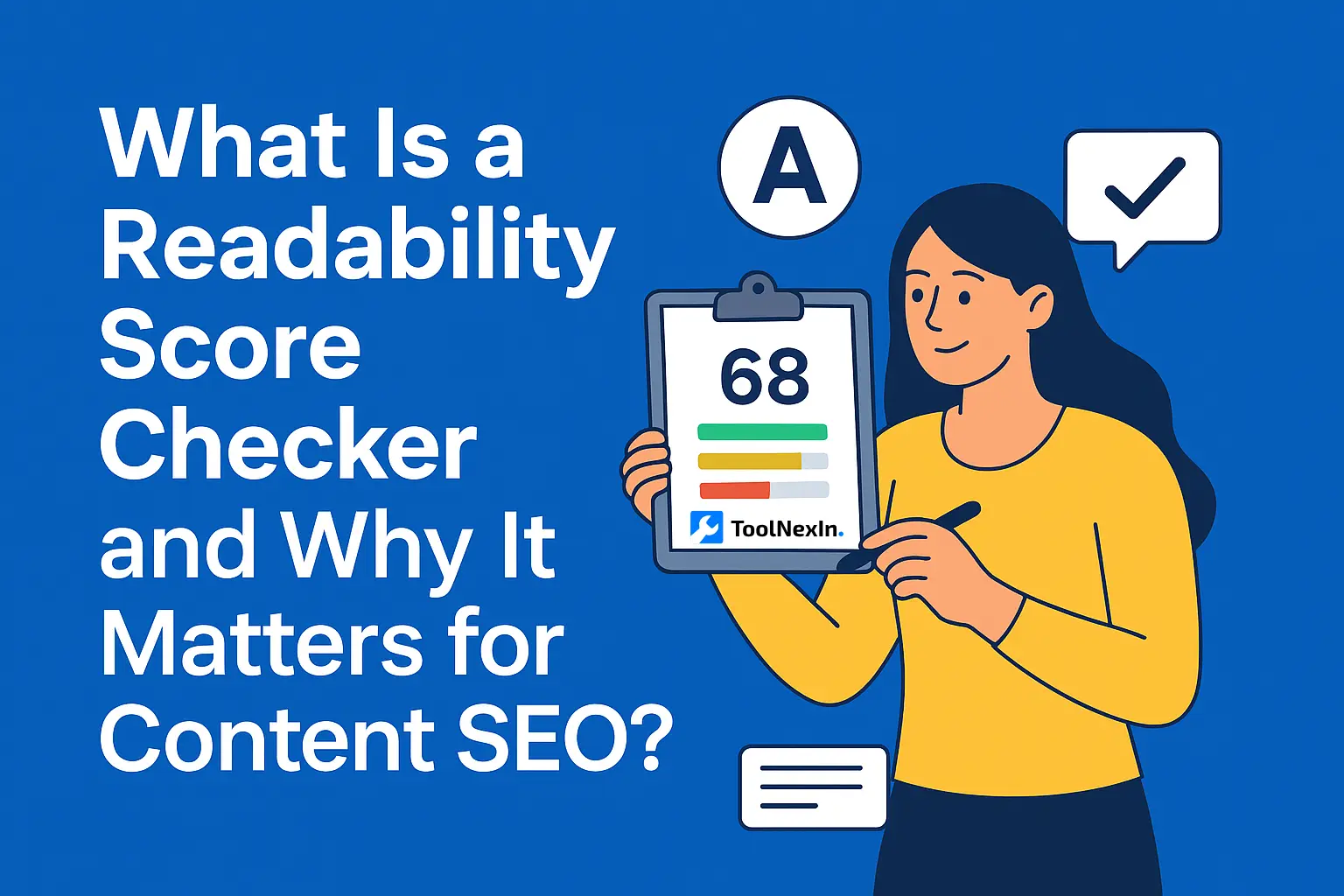
A Readability Score Checker analyzes your text and tells you how easy it is to understand, using algorithms like Flesch Reading Ease, Gunning Fog Index, or SMOG Grade. For anyone serious about Content SEO, readability is one of the most powerful (and underrated) ranking factors.
This blog breaks down what a readability checker is, why it’s important, how it works, and how you can use it effectively to boost your content’s performance.
What Is a Readability Score Checker?
A Readability Score Checker is an online tool that evaluates how easy or hard it is to read your written content. It measures sentence structure, word difficulty, paragraph flow, syllable count, and overall clarity to give your content a readability score.
These scores are often linked to reading-grade levels. For example:
- Grade 6–8 readability → Ideal for most online content
- Grade 9–12 readability → Slightly complex, suitable for academic or technical content
- Grade 13+ readability → Very complex, not recommended for general audiences
In simple terms:
A readability checker tells you whether your readers will understand your content without struggle.
How Does a Readability Score Checker Work?
Readability checkers use a combination of linguistic formulas and NLP analysis. While the logic varies, most tools follow these steps:
1. Text Input
You paste or upload your content into the checker.
2. Sentence & Word Analysis
The tool evaluates:
- Average sentence length
- Syllable count
- Word complexity
- Passive vs. active voice
- Paragraph length
3. Score Calculation
Common formulas include:
- Flesch Reading Ease
- Flesch-Kincaid Grade Level
- Gunning Fog Index
- Coleman-Liau Index
- SMOG Index
- Dale-Chall Formula
4. Suggestions & Improvements
Most tools highlight:
- Hard-to-read sentences
- Overly complex words
- Repetitive phrases
- Long paragraphs
- Passive constructions
This step helps writers fix readability issues instantly.
Why Is a Readability Score Checker Important for Content SEO?
Readability plays a direct role in how your content performs on search engines. Google's algorithms track user engagement metrics like:
- Time on page
- Bounce rate
- Scroll depth
- User satisfaction
When your content is easy to understand, these metrics improve—boosting SEO.
Here’s why readability matters:
1. It Improves User Experience (UX)
Clear writing helps users find answers quickly. A readability checker ensures:
- Shorter sentences
- Simpler vocabulary
- Better structure
- Fewer distractions
Better UX = better SEO.
2. It Reduces Bounce Rate
If users can’t understand your content, they leave.
Readable content keeps them engaged, which signals Google that your page is valuable.
3. It Helps You Rank for Featured Snippets
Google prefers:
- Clear answers
- Simple structures
- Easy definitions
- Bullet-point lists
Improved readability increases your chances of winning snippet positions.
4. It Helps You Write for All Reading Levels
More than 50% of the world reads at a grade 8 level or below.
A readability checker ensures your content is accessible for everyone.
5. It Strengthens Brand Trust
Clear, understandable writing increases:
- Credibility
- Authority
- Professionalism
- Clarity of communication
Users are more likely to stay, trust, and convert.
Key Features of a Good Readability Score Checker
Not all readability tools are equal. The best ones offer features like:
Multiple readability formulas
(Flesch, Gunning Fog, SMOG, etc.)
Sentence difficulty highlights
Word complexity analysis
Passive voice detection
Paragraph length warnings
Keyword density calculation
Recommendations for improvement
Export or copy-to-clipboard functionality
Real-time scoring
Mobile-friendly interface
Benefits of Using a Readability Score Checker
Here’s how writers, content creators, and marketers benefit:
1. Better SEO performance
Readable content ranks higher naturally.
2. Faster content creation
Instant suggestions improve writing speed.
3. Increased engagement
Clear writing keeps users scrolling.
4. Improved conversions
Users are more likely to act when content is simple.
5. Less editing work
Fix problems before publishing.
6. Consistent brand voice
Readability tools keep your tone aligned.
Who Should Use a Readability Score Checker?
This tool is useful for:
- Bloggers
- SEO professionals
- Digital marketers
- Copywriters
- Content strategists
- Social media managers
- Students
- Editors
- Journalists
- Businesses creating website content
Basically, anyone who writes for online audiences.
Real-World Use Cases
Bloggers
Optimize article readability for better ranking & reader engagement.
Businesses
Improve clarity across landing pages, product pages, and emails.
Students
Refine academic assignments for clarity.
Social Media Managers
Create crisp captions, CTAs, and scripts.
💼 Agencies
Ensure client deliverables meet professional writing standards.
How to Use a Readability Score Checker (Step-by-Step Guide)
Here’s a simple workflow:
Step 1: Paste Your Text
Upload or paste your blog, email, landing page, or article.
Step 2: Analyze the Score
Check reading level and complexity indicators.
Step 3: Fix Hard-to-Read Sentences
Shorten, split, or simplify long sentences.
Step 4: Replace Complex Words
Swap jargon with simple alternatives.
Step 5: Check Passive Voice
Reduce unnecessary passive constructions.
Step 6: Re-check the Score
Aim for a grade level between 6 and 8 for best online readability.
Best Practices for Readable Content
- Keep sentences under 20 words
- Use short paragraphs (1–3 sentences)
- Choose simple words (use instead of utilize)
- Add headings for structure
- Use bullet points for clarity
- Avoid unnecessary jargon
- Write conversationally
- Use active voice
- Maintain logical flow
- Always revise using a readability checker
Common Mistakes to Avoid
1. Overstuffing keywords
Hurts readability and SEO.
2. Writing long, complicated sentences
Users lose interest quickly.
3. Excessive passive voice
Weakens clarity and flow.
4. Dense blocks of text
Break them into smaller paragraphs.
5. Ignoring your target audience’s reading level
Write for the reader—not yourself.
Examples of Good vs. Poor Readability
❌ Poor Example:
The implementation of this strategic content methodology facilitates improved discoverability across digital platforms due to its algorithmic alignment.
✔ Good Example:
Using this content strategy helps your articles rank higher because it aligns with search engine algorithms.
See the difference?
Simple = better.
FAQs About Readability Score Checker
1. How does a readability score checker work?
It analyzes your writing using algorithms that measure sentence length, word complexity, and structure to assign a readability score.
2. What is a good readability score for SEO?
The ideal score is a grade 6–8 reading level, which suits most online readers.
3. Is a readability checker accurate?
Yes, modern tools are highly accurate, using established formulas like Flesch and Gunning Fog.
4. Can readability affect my Google ranking?
Indirectly, yes. Better readability improves engagement metrics, which boosts SEO.
5. Does Google use readability directly as a ranking factor?
Not directly, but it influences UX, bounce rate, and clarity—key ranking signals.
6. Is a readability score checker good for blog writing?
Absolutely. It helps ensure your content is engaging, simple, and accessible.
7. Can students use a readability tool?
Yes, it helps them write clearer essays and research papers.
8. Is it safe to use a readability score checker?
Yes, most tools are secure and run text analysis without storing your data.
9. Should I aim for 100% readability score?
No. Aim for a balanced score that matches your audience’s literacy level.
10. Can a readability checker improve conversions?
Yes, clearer writing improves trust and increases conversion rates.
Conclusion
A Readability Score Checker is one of the simplest yet most powerful tools for improving content quality, user experience, and SEO performance. Whether you're writing a blog, crafting website content, or building a marketing campaign, readable text ensures that your message connects with your audience instantly.
By using readability tools, you create:
- Clear content
- Engaging experiences
- Higher SEO value
- Stronger brand trust
If you want your content to perform better, rank faster, and connect deeper—start using a readability checker today.
Related Tools You May Find Useful
Looking to enhance your writing, formatting, or content optimization workflow? Here are some powerful free tools on ToolNexIn that pair perfectly with the Readability Score Checker:
1. Word Counter Tool
Analyze word count, character count, reading time, and writing metrics instantly. Ideal for SEO writers, students, and content creators.
2. Case Converter Tool
Quickly convert text into uppercase, lowercase, sentence case, title case, or capitalized format. Great for editors and social media managers.
3. Text to Emoji Converter
Add emojis to your content or social posts with one click. Improve engagement and create fun variations of your text.
4. Text Difference Checker
Compare two versions of text side-by-side and highlight changes. Perfect for editors, developers, and content reviewers.
5. Code Minifier (HTML, CSS, JS)
Clean and compress your code for faster website performance. Useful for web developers and SEO specialists.